
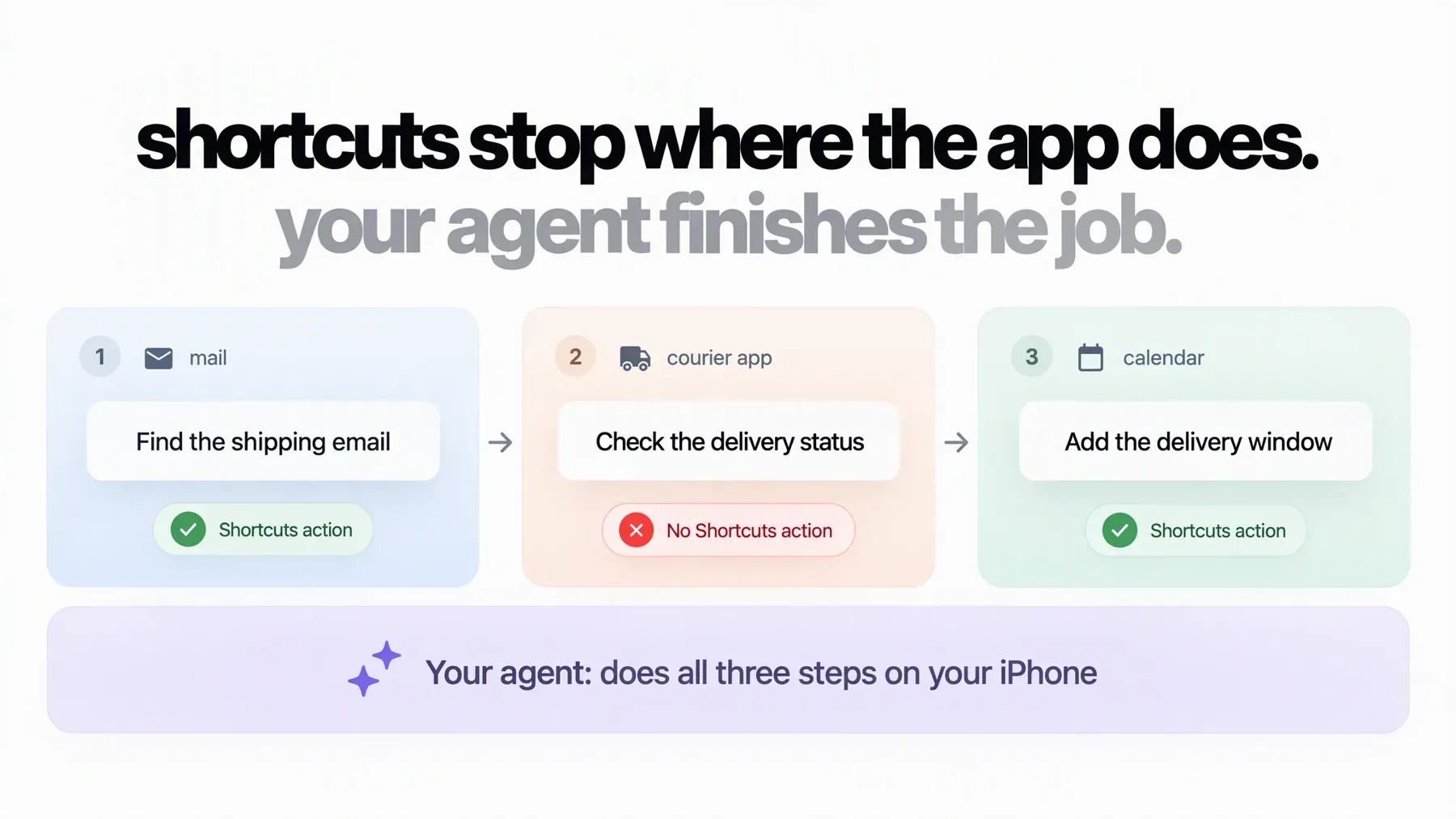
Shortcuts is brilliant at one kind of job: the same steps, done the same way, again and again. Turn on Focus when you reach the office. Text home when you leave work. Resize every screenshot before you share it.
Most of what you do on your phone isn’t like that. You need to track a parcel, check in for a flight, log a few receipts or book a class that fits your week. Each job is a one-off, you need it done now, and it usually runs across two or three apps. Building a shortcut for it would take longer than doing it by hand.
This guide covers both kinds of work: what Shortcuts does best, how to check in 30 seconds whether it can handle your task, and how to hand everything else to an AI agent, with ten prompts you can copy.
What Shortcuts does best
A shortcut is a saved list of steps. You build it once, then run it with a tap, from a widget, with Siri or with the Action button. Personal automations can run it for you when something happens: a time of day, arriving somewhere, plugging in your charger or opening an app.
You don’t have to build every step by hand anymore. On iOS 27, Apple Intelligence can write a shortcut from a description on an iPhone 15 Pro or iPhone 16 and later. You type what you want, and Shortcuts builds it for you to test.
For anything you do the same way every week, that’s hard to beat. It runs on the phone, it’s fast and it does exactly the same thing every time.
The catch: a shortcut can only do what the app allows
Every step in a shortcut is an action, and apps decide which actions they offer. Apple’s developer documentation puts it plainly: “You decide which of your app’s actions and data types you want to make available.”
So if your gym app never added a “book a class” action, no shortcut can book a class. The most a shortcut can do is open the app and leave you there. It’s one of the most common questions on the Shortcuts subreddit, and the usual answer is short: “If the app doesn’t support Shortcuts, then there’s no way to add support directly.”
Apple’s new Siri AI works through the same app actions, so it hits the same limit. It also isn’t available on iPhones in the EU yet.
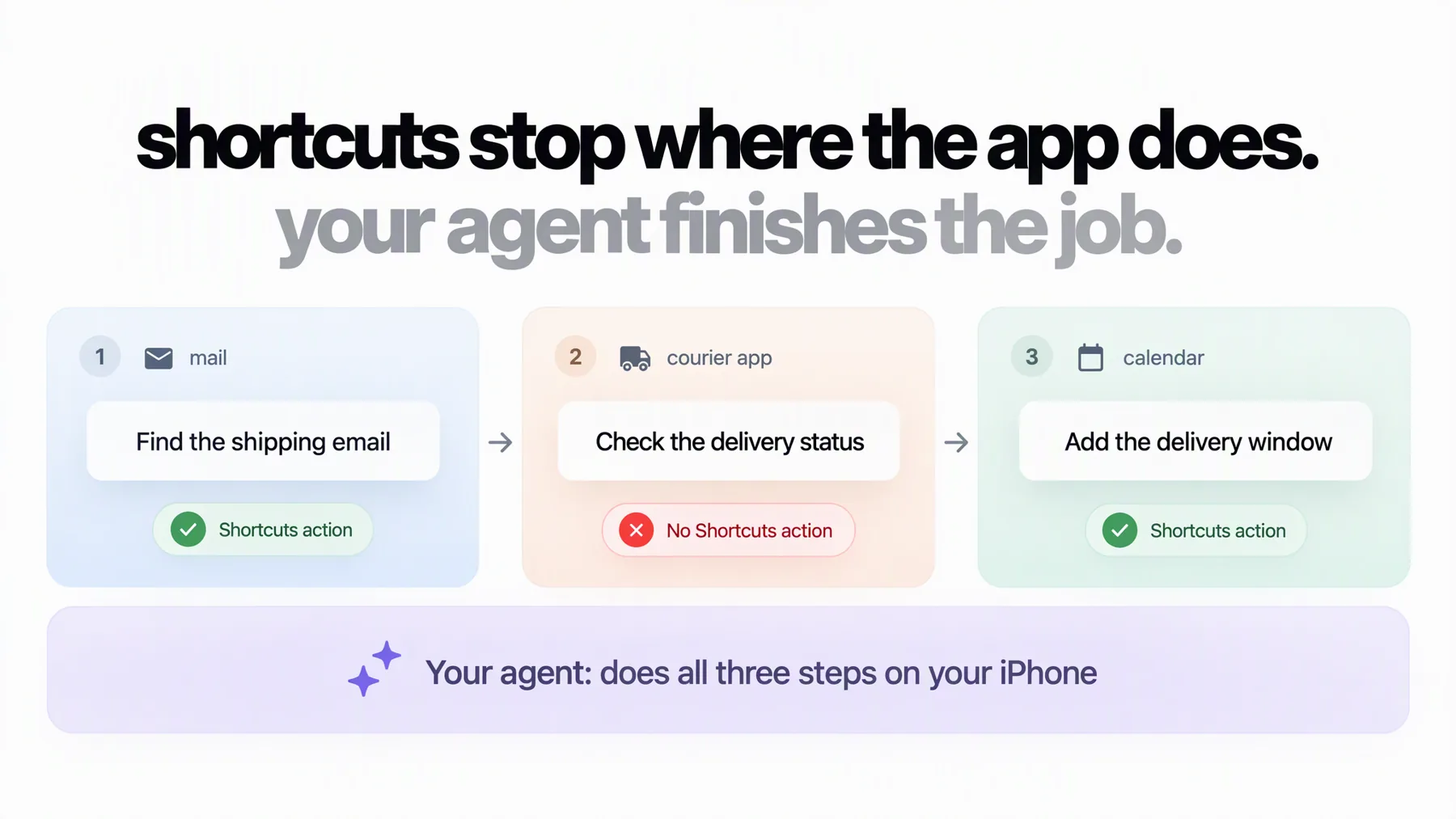
An example chain. If one app in it offers no actions, the shortcut stops there. An agent works through every step on screen.
Check your app in 30 seconds
Before you build anything, see what the app offers:
- Open the Shortcuts app and tap + to start a new shortcut.
- Tap Add Action, then Apps.
- Find your app. If it’s missing, or it only offers to open the app, a shortcut can’t do the task inside it.
Apple’s guide to the action list shows the same steps.
Most phone tasks are one-offs
People spend about 3.6 hours a day in apps, according to Sensor Tower. Much of that time goes on small jobs that never repeat in quite the same way. They tend to follow one pattern: find something in one app, then act on it in another.
- The delivery email is in Mail. The tracking is in the courier’s app. The slot belongs in Calendar.
- The receipts are screenshots in Photos. They need to go into an expenses app.
- The class timetable arrives by email. The booking happens in the gym app.
None of these is worth turning into a shortcut, and some can’t be, because one of the apps offers no actions. You just want the job done.
Ask your AI agent to do it on your iPhone
If you pay for Claude or ChatGPT, you already have an agent that can work through tasks on its own. Zeptap lets that agent use your iPhone. It opens apps, reads the screen, taps, scrolls and types, the same way you would, so it works in apps with no Shortcuts actions too.
Instead of building the steps, you describe the result:
Find the shipping email for my headphones in Mail, check the latest status in the courier’s app and add the delivery window to my Calendar.
The agent works out the steps as it goes. If something changes halfway, you just say so. When Thursday’s class is full, reply “Try Friday instead” and it carries on from there.
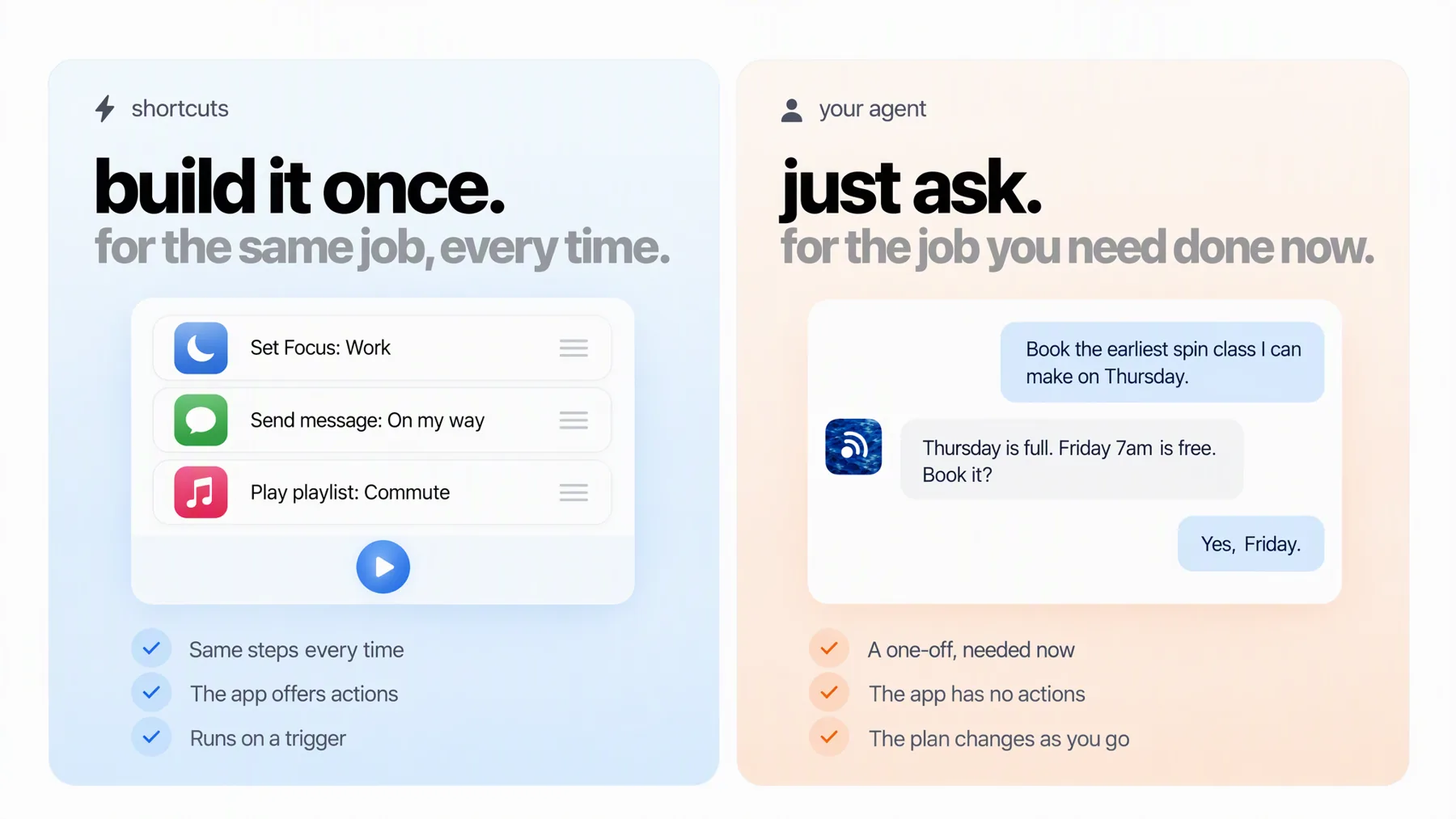
Shortcuts suit routines. An agent suits the job in front of you.
Setup takes a few minutes. Install Zeptap on your Mac, plug your iPhone in with a USB cable, pair it over Bluetooth and sign in with your Claude or ChatGPT subscription.
10 multi-app tasks to try
Copy any of these and change the details to fit. They’re examples, so check the result, and expect the agent to ask you for help with a login, a code or a payment.
Errands and deliveries
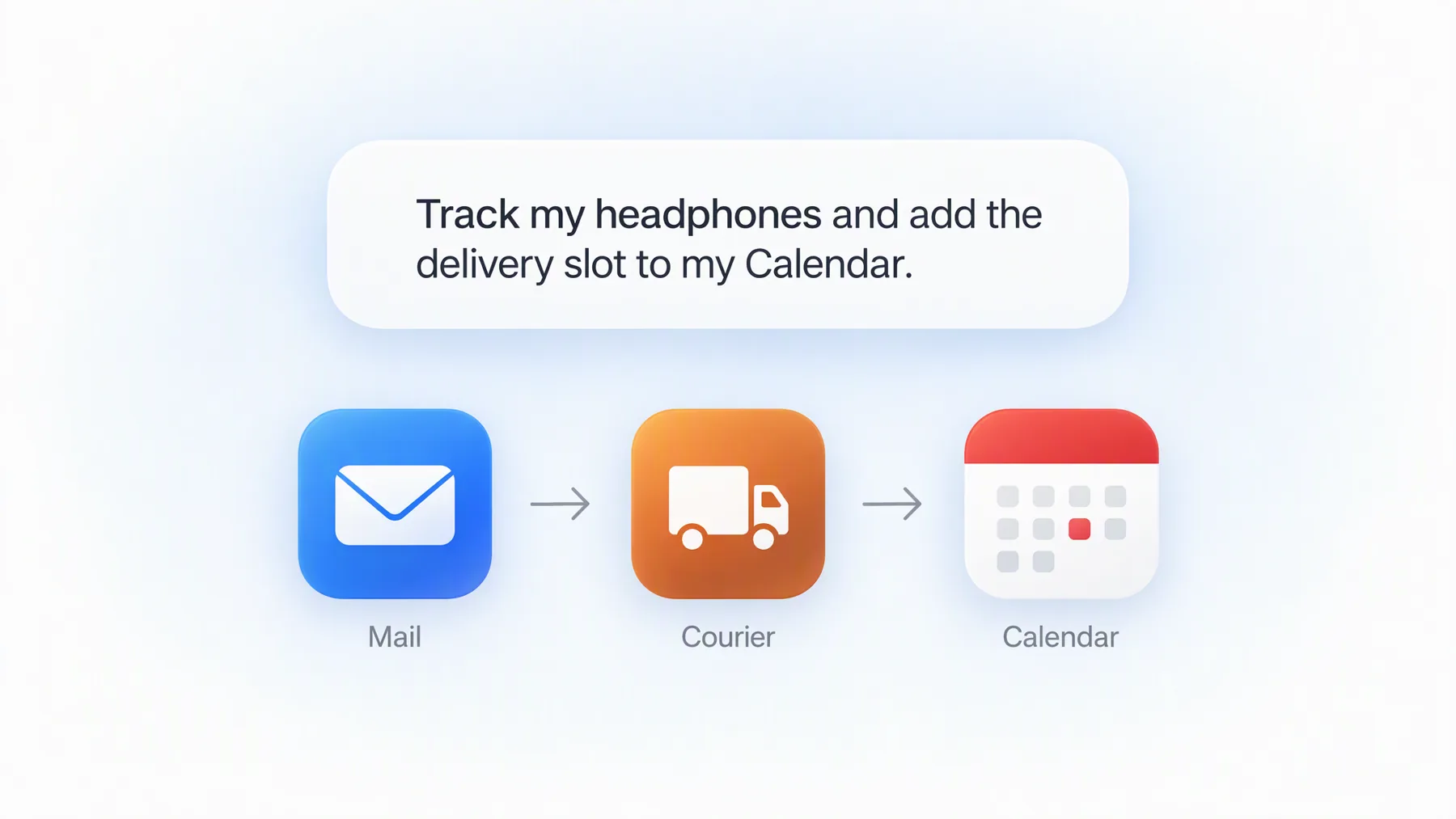
Find the shipping email for my headphones in Mail, check the latest status in the courier’s app and add the delivery window to my Calendar.
Start a return for the jacket I ordered last week in the shop’s app. Choose drop-off and save the return QR code to Photos.
Money and admin
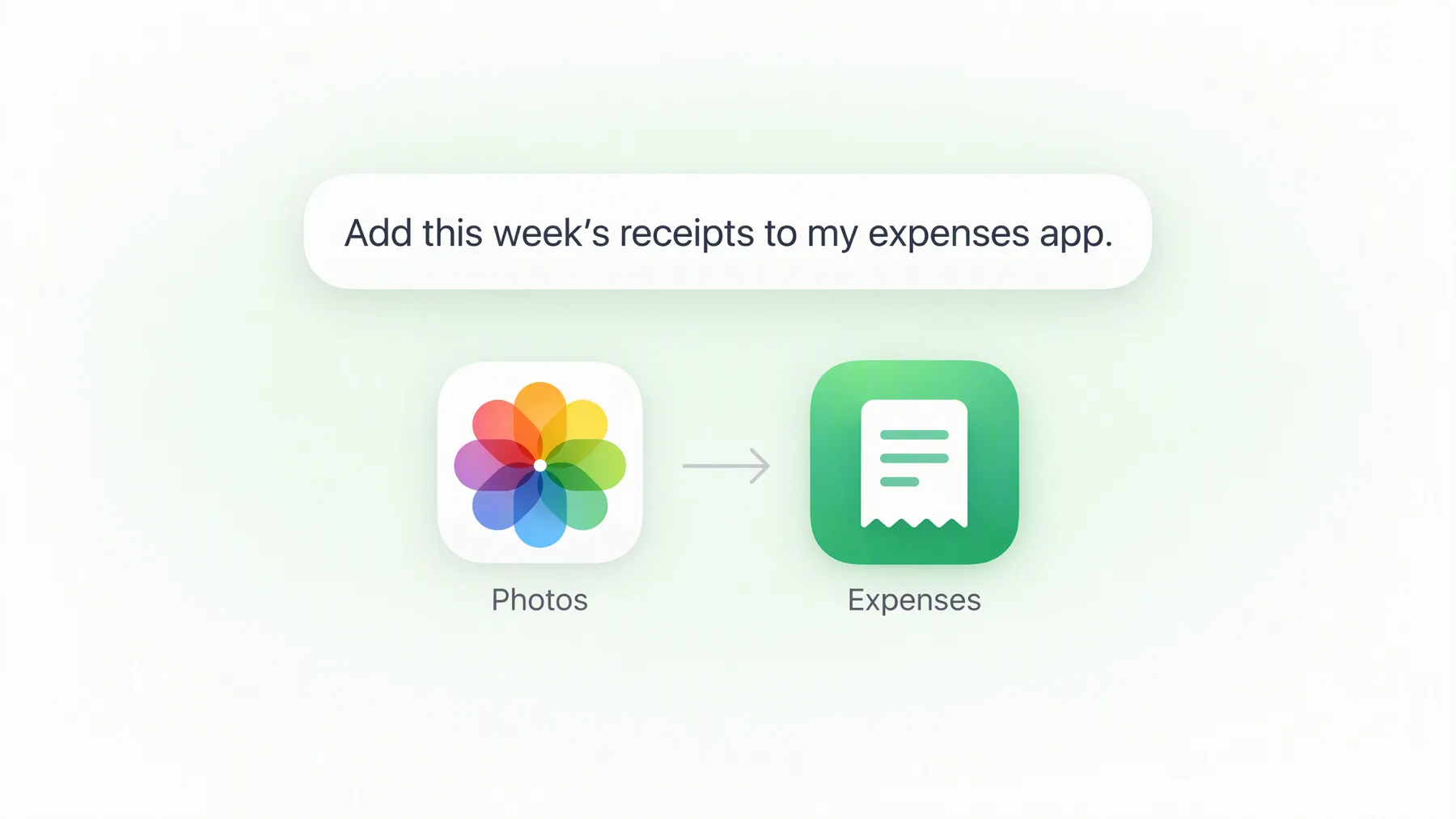
Go through this week’s receipt screenshots in Photos and add each one to my expenses app with the date, amount and shop.
List every subscription in Settings with its price and renewal date, and put the list in a new note. Don’t cancel anything.
Plans and bookings
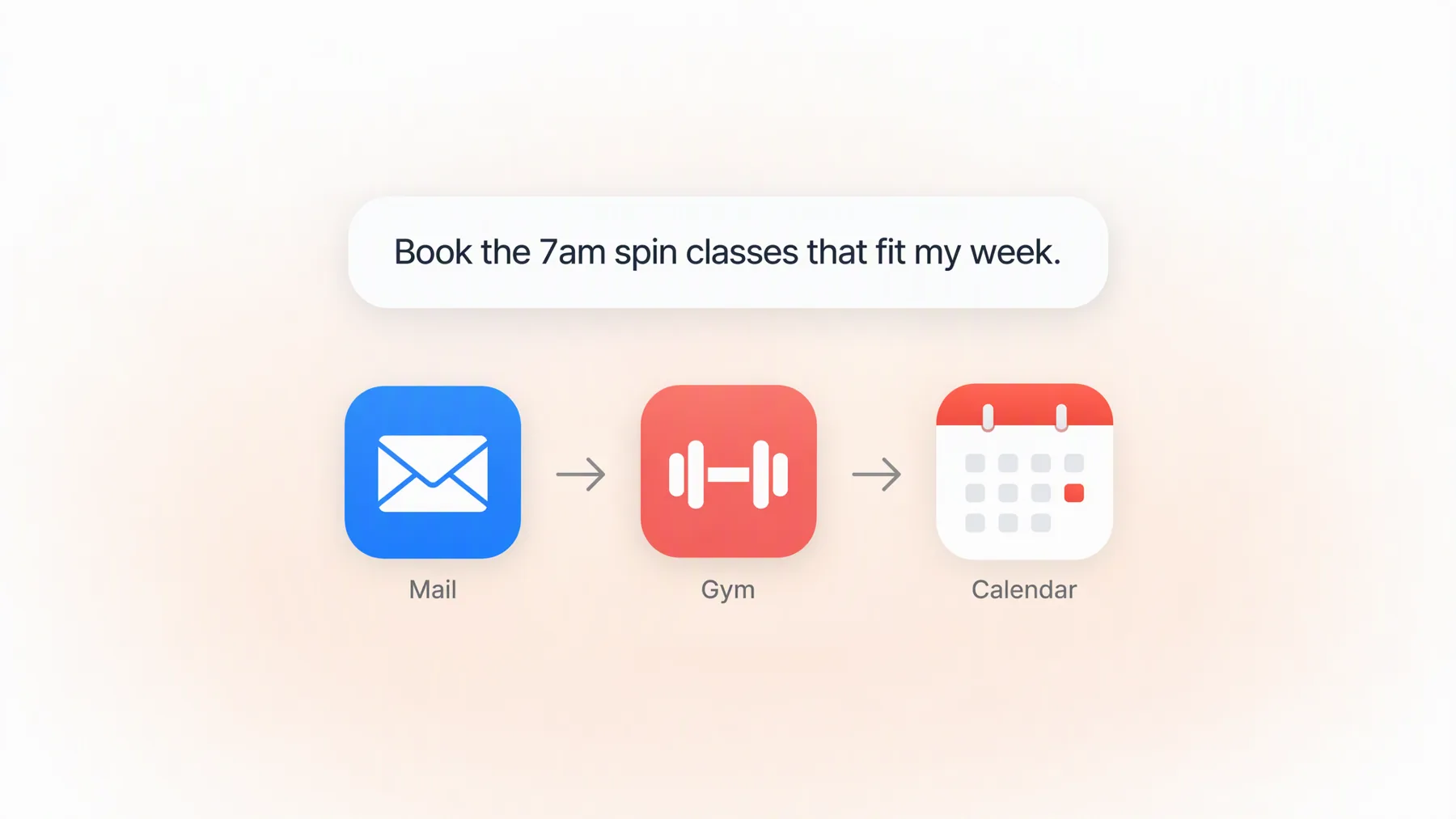
Find this week’s class timetable in my gym’s email, book the 7am spin classes that don’t clash with my Calendar, and add them to Calendar.
Find a table for four on Friday around 8pm in my restaurant booking app. Check my Calendar, then show me three options before you book.
Check me in for tomorrow’s flight in the airline app, choose a window seat if one is free and add the boarding pass to Wallet.
Work and social
Read the comments on my latest Instagram post and draft replies to the questions in a new note. Don’t post anything.
Post the newest video in Photos to my Instagram Story with the caption from my “Launch” note. Show me the preview before you share it.
If you build apps
Install the newest TestFlight build of my app, sign up as a new user and tell me where it breaks.
For more ideas, see our guide to AI agents on a real iPhone.
Try one on your own iPhone. Your first hour is free →
What your agent can do with Zeptap
A shortcut gets the handful of actions each app chooses to share. With Zeptap, your agent gets the whole phone. Here’s what that adds up to.
Every app you use, signed in as you
The agent works in the apps you’ve installed, with the accounts you’re already signed in to. The app doesn’t need to support Shortcuts or Siri, and you don’t need an API, a developer key or a connector for each one. If you can do it on screen, you can ask for it. Your normal app subscriptions still apply.
The AI you already pay for, with the context it already has
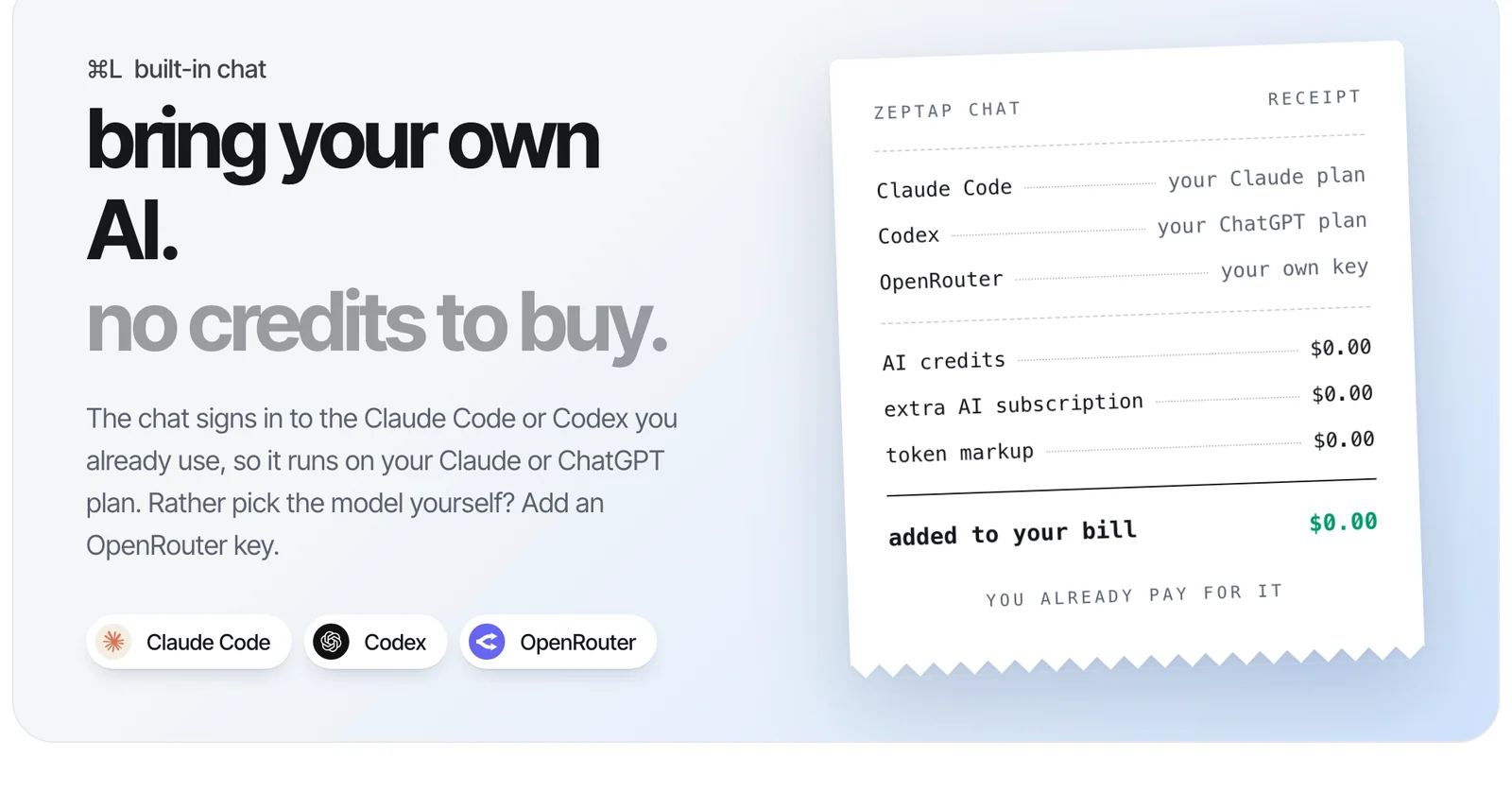
Zeptap’s built-in chat runs on your Claude Pro or Max plan through Claude Code, or your ChatGPT plan through Codex. You can also bring your own OpenRouter key.
Already working in Claude Desktop, Cursor, Hermes or OpenClaw? Connect it to Zeptap over MCP and the same conversation can reach your phone. The agent that helped you write a launch post can now post it, and the one that knows your project can test your app. There are no Zeptap credits to buy, and your plan’s usage limits still apply.
Several iPhones at once
Plug in up to five iPhones and give the agent a job across all of them. The built-in chat starts a helper agent on each phone, they work in parallel, and you get one summary at the end. Each phone can be signed in to different accounts, so a personal phone, a work phone and a test phone can all be busy at the same time.
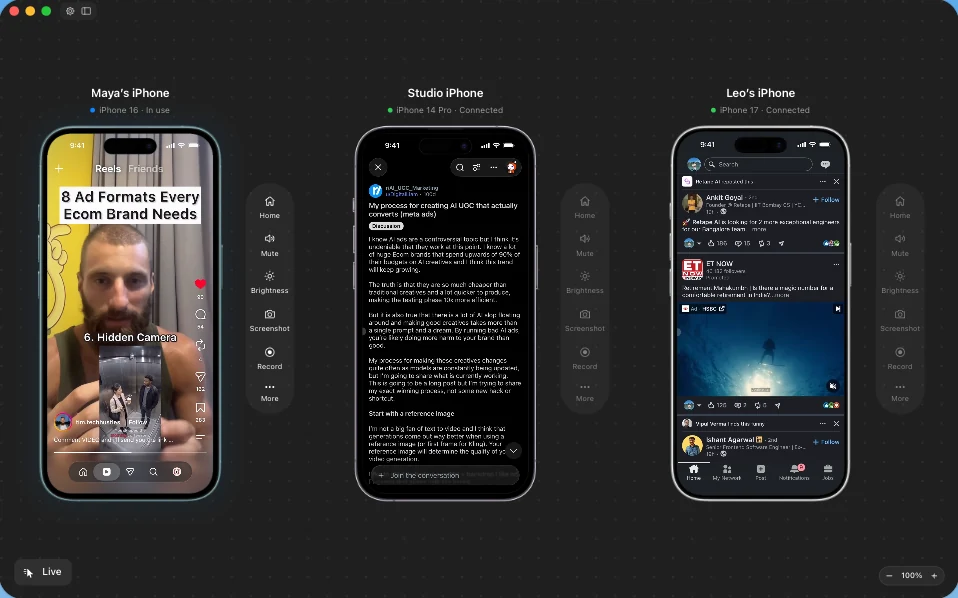
A real screenshot of the Zeptap Mac app with three iPhones connected.
Tasks don’t stall at the lock screen
If you allow it, the agent can unlock your phone when a task needs it. The passcode stays in your Mac’s Keychain and is never shown to the agent, and you can switch unlocking off for each iPhone. You can watch every step on your Mac while it works. How unlocking works.
No developer setup, on almost any iPhone
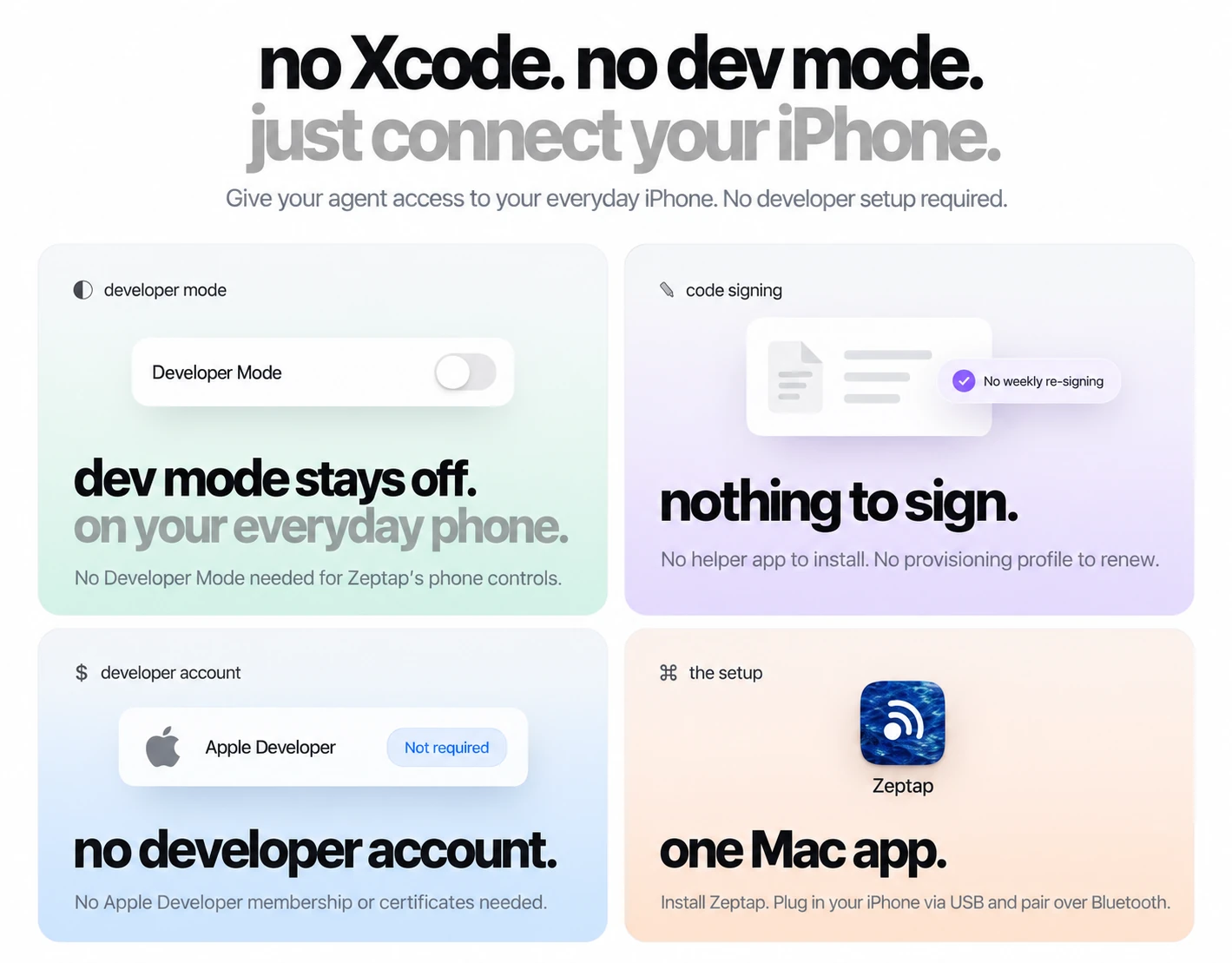
You don’t need Xcode, Developer Mode or an Apple Developer account, and nothing is installed on the phone. Zeptap needs a Mac on macOS 14 or later and an iPhone on iOS 15 or later, so it works on iPhones that can’t run Apple Intelligence or Siri AI. It works in the EU too. The setup guide takes a few minutes.
Your screen goes only to the AI you chose
Screenshots don’t pass through Zeptap’s servers. They go from your Mac to the AI provider you connected, under that provider’s terms. The privacy guide has the details.
Shortcuts or your agent?
You don’t need a shortcut for everything. Keep the ones you rely on, and use the agent for the rest. The agent can even run a shortcut as one step of a bigger job: “Run my Leaving Work shortcut, then find a pharmacy on my way home that’s open after 7pm.” If you catch yourself asking for the same thing every week, save the prompt, or turn it into a shortcut if the app offers the actions.
|
|
Shortcuts |
Your agent with Zeptap |
|---|---|---|
|
Best for |
Routines you repeat |
One-off jobs you need now |
|
Setup |
Build or describe the steps once |
Describe the result each time |
|
Apps |
Apps that offer Shortcuts actions |
Any app you can use on screen |
|
When plans change |
Edit the shortcut and run it again |
Tell the agent and it adapts |
|
Runs by itself |
Yes, on time, place and other triggers |
No, you start each task |
|
Several iPhones |
Set up on each phone separately |
Up to five at once, from one chat |
Try it on a job you’d never build a shortcut for
Think of something on your list this week: a parcel to chase, receipts to log, a class to book, an app to test. Connect your iPhone, describe the job and watch your agent work through it. Your first hour of live use is free.
If it earns a place in your week, Zeptap is a one-time purchase: $99 for one iPhone, or $199 for up to five at once. There’s no monthly Zeptap fee and no AI credits to top up. You keep using the Claude or ChatGPT plan you already have. See current pricing.